Backend & APIs / E-Commerce-React-Application
E-commerce React Application
A modern, responsive e-commerce web application built with React, featuring a beautiful UI and essential shopping functionality.
Open the full technical write-up
A modern, responsive e-commerce web application built with React, featuring a beautiful UI and essential shopping functionality.
Table of Contents
- Overview
- Features
- Technology Stack
- Screenshots
- Getting Started
- Usage
- Project Structure
- API Endpoints
- Future Improvements
What this project does
This project is a full-featured e-commerce application built with React and styled-components. It provides a complete shopping experience with user authentication, product browsing, cart management, and checkout functionality. The application uses a JSON server for data management and features a modern, responsive design.
What the project includes
Authentication
- Secure Login System: User authentication with username/password validation
- Registration: New user registration functionality
- Session Management: Persistent user sessions
Product Management
- Product Catalog: Grid layout displaying all available products
- Product Details: Individual product pages with detailed information
- Search & Filter: Product search and filtering capabilities
- Responsive Design: Mobile-friendly product display
Shopping Cart
- Add to Cart: direct product addition to shopping cart
- Cart Management: View, modify, and remove items from cart
- Real-time Updates: Dynamic cart total calculation
- Persistent Cart: Cart state maintained across sessions
Checkout Process
- Order Summary: Detailed order review before checkout
- Payment Integration: Secure payment processing
- Order Confirmation: Success page with order details
User Interface
- Modern Design: Clean, professional UI with gradient backgrounds
- Responsive Layout: Optimized for all device sizes
- Interactive Elements: Hover effects and smooth transitions
- Material Design: Integration with Material-UI components
Tools and libraries
- Frontend Framework: React 18.2.0
- Styling: Styled Components 5.3.5
- UI Components: Material-UI 5.15.0
- Routing: React Router DOM 6
- State Management: React Context API
- Backend: JSON Server with authentication
- Development: Create React App
Screenshots
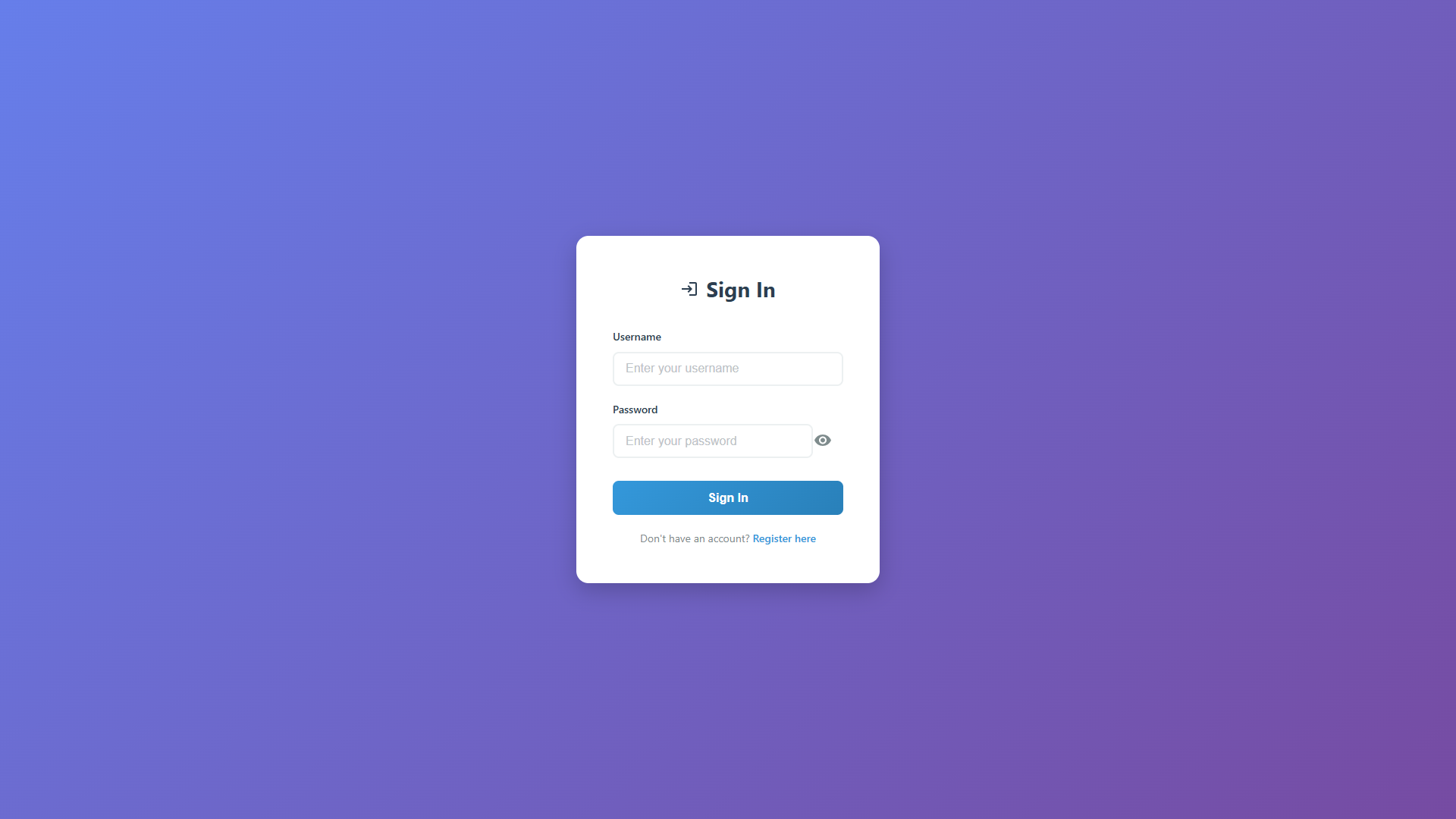
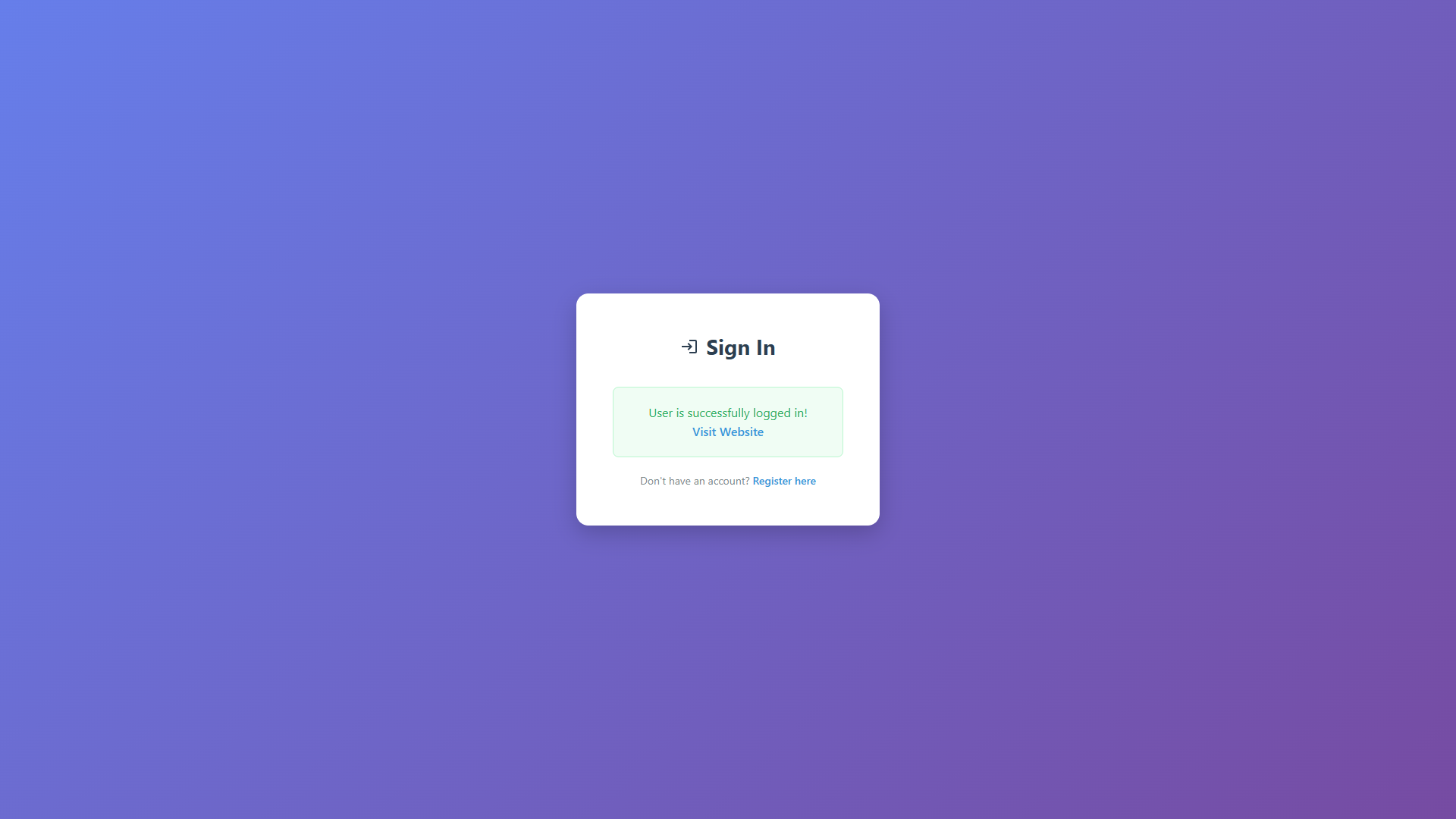
Login Page
Modern login interface with gradient background and form validation.
Home/Products Page
Product catalog displaying items in a responsive grid layout.
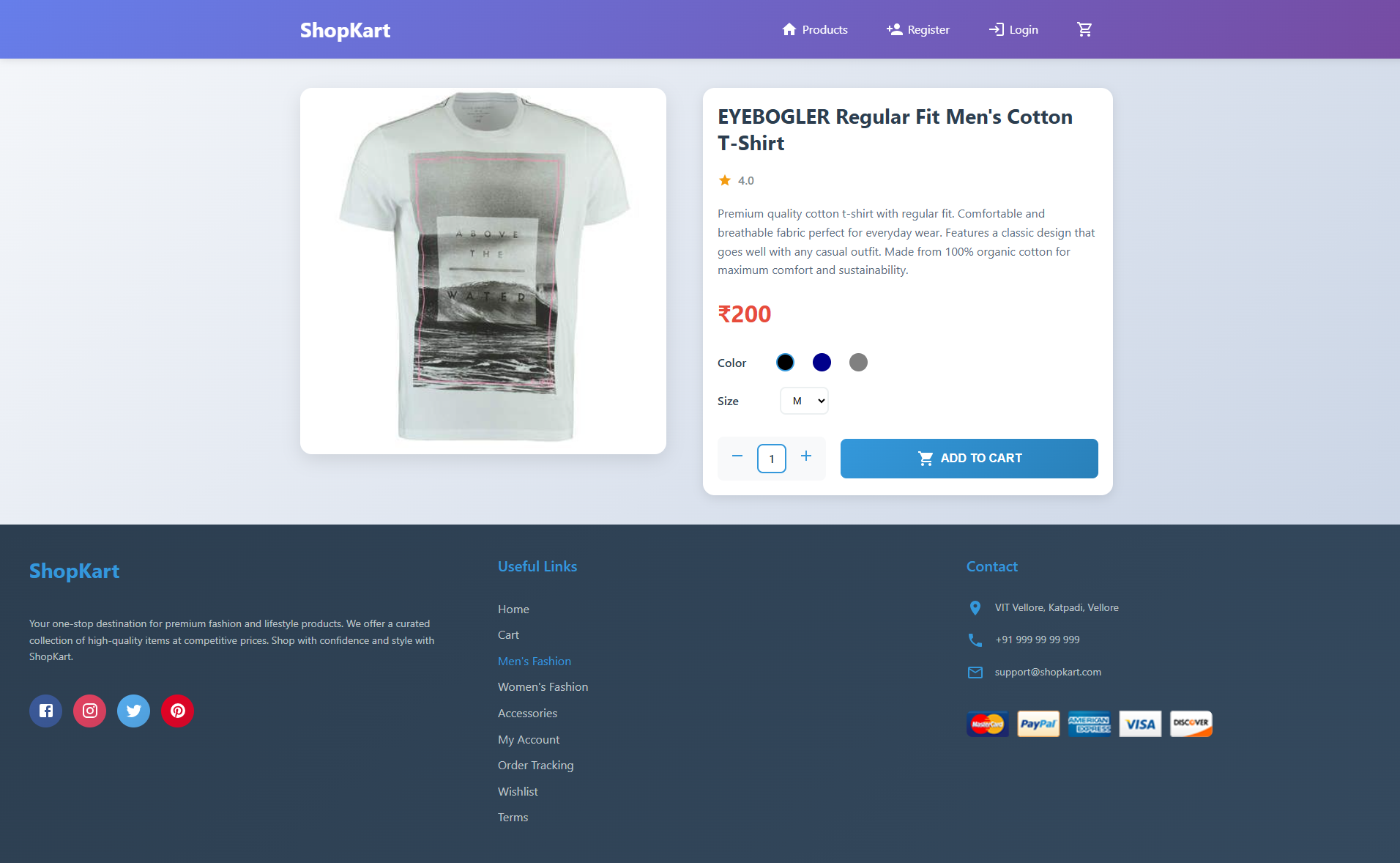
Product Detail Page
Detailed product view with images, descriptions, and pricing.
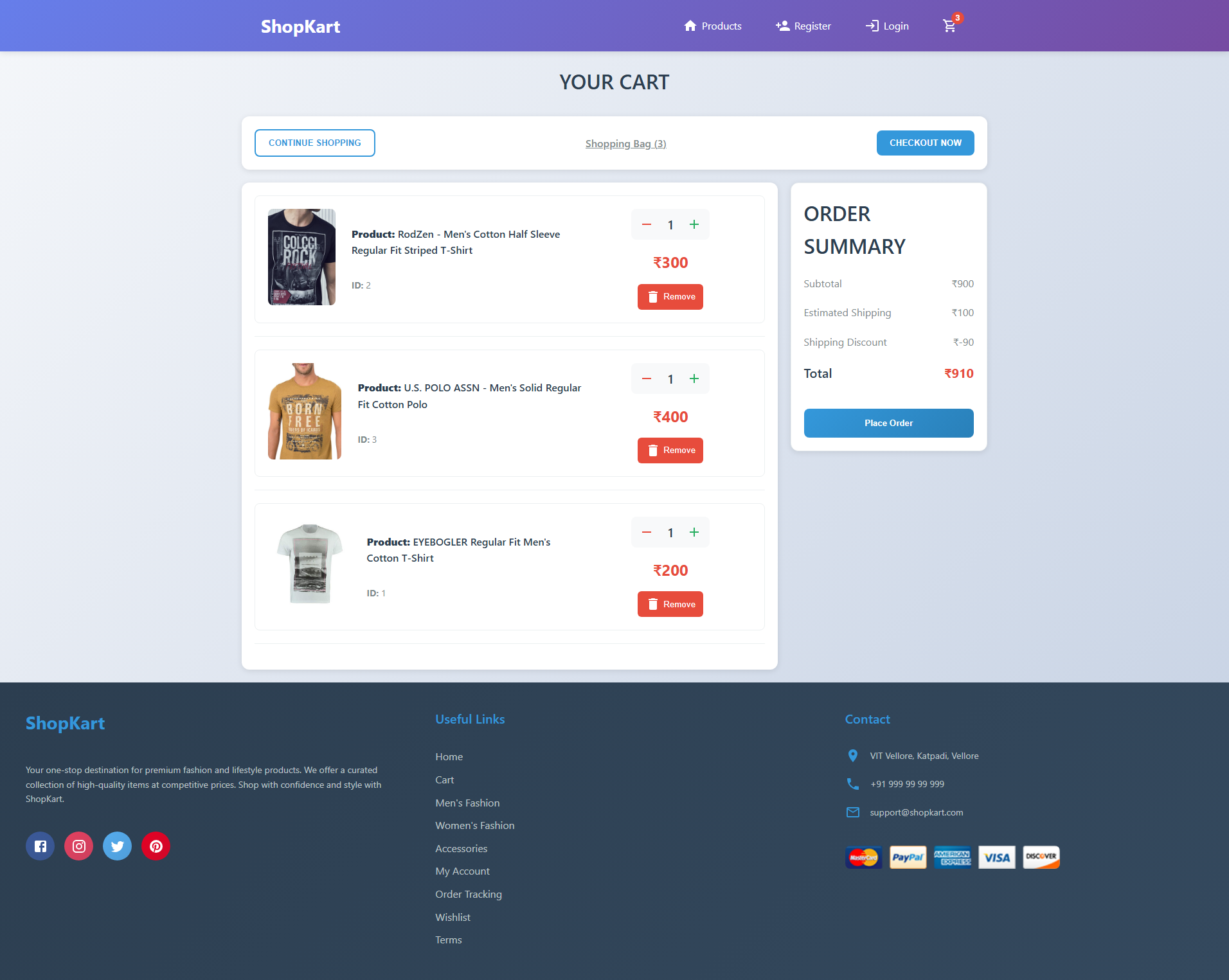
Shopping Cart
Cart management interface with item list and total calculation.
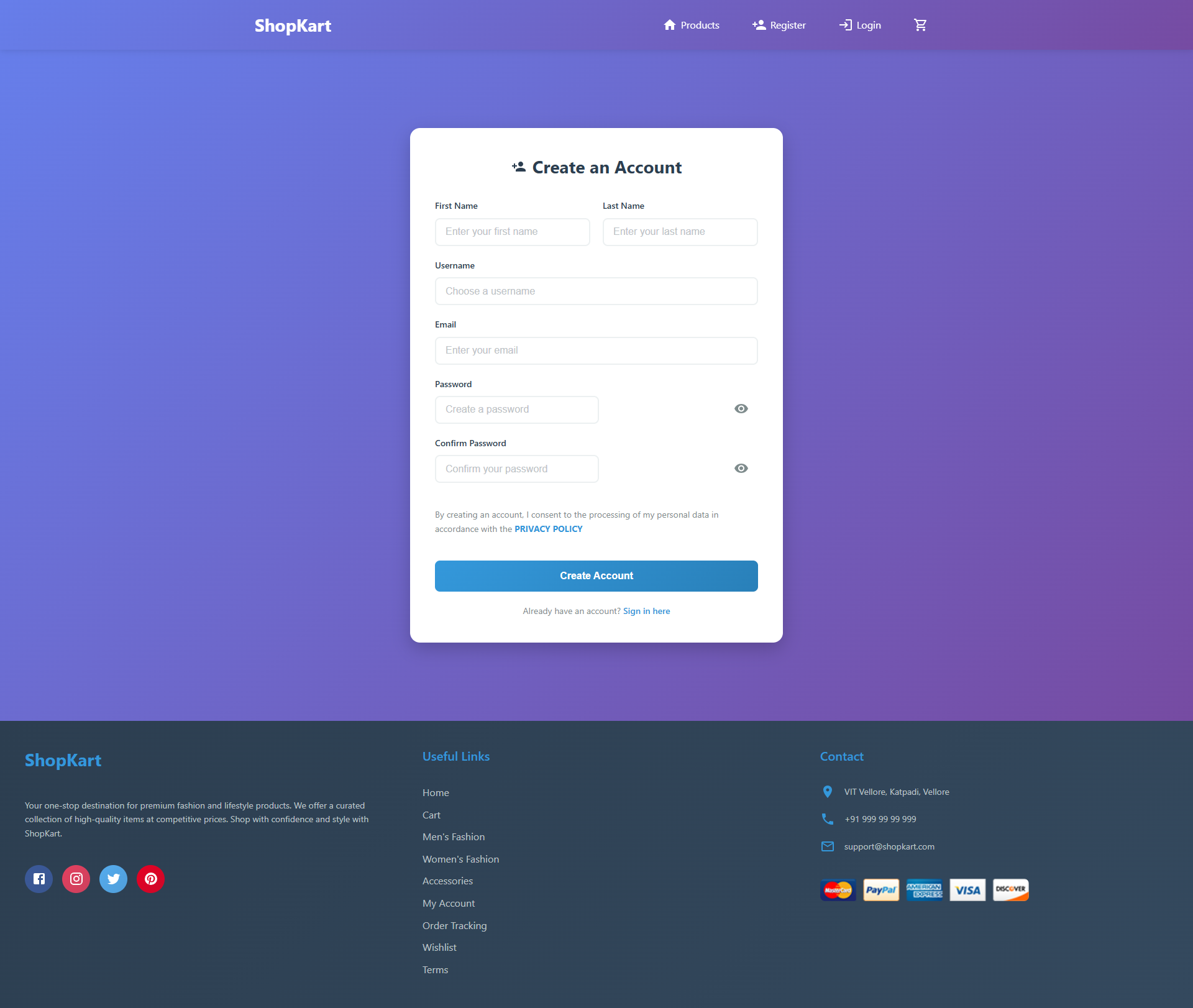
Registration Page
User registration form with validation and modern styling.
Getting Started
Prerequisites
- Node.js (version 14 or higher)
- npm or yarn package manager
Installation
-
Clone the repository
git clone https://github.com/yourusername/Krypto-Front-End-Task.git cd Krypto-Front-End-Task -
Install dependencies
npm install -
Start the JSON server
npm run serverThis will start the backend server on
http://localhost:5000 -
Start the React application
npm startThis will start the frontend on
http://localhost:3000
Test Credentials
Use these credentials to test the application:
- Username:
user1 - Password:
pass1
Usage
User Workflow
- Login/Register: Start by logging in or creating a new account
- Browse Products: View the product catalog on the home page
- Product Details: Click on any product to view detailed information
- Add to Cart: Add desired products to your shopping cart
- Manage Cart: Review and modify items in your cart
- Checkout: Complete the purchase process
Core workflows
- Responsive Design: Works direct on desktop, tablet, and mobile devices
- Real-time Updates: Cart and product information updates instantly
- User-friendly Interface: Intuitive navigation and clear visual hierarchy
- Secure Authentication: Protected routes and user session management
How files are organized
src/
├── components/          # Reusable UI components
│   ├── Navbar.jsx      # Navigation component
│   ├── Product.jsx     # Individual product card
│   ├── Products.jsx    # Product grid container
│   └── Footer.jsx      # Footer component
├── pages/              # Page components
│   ├── Home.jsx        # Home/Products page
│   ├── Login.jsx       # Login page
│   ├── Register.jsx    # Registration page
│   ├── Product.jsx     # Product detail page
│   ├── Cart.jsx        # Shopping cart page
│   └── Checkout.jsx    # Checkout page
├── context/            # React Context for state management
│   └── CartContext.js  # Shopping cart state management
├── db.js              # Database configuration
└── App.js             # Main application component
API Endpoints
The application uses JSON Server with the following endpoints:
GET /products- Retrieve all productsGET /products/:id- Get specific product detailsPOST /users- Create new user accountGET /users- Get user information (with authentication)
Future Improvements
Planned Enhancements
- JWT Authentication: Implement token-based authentication for better security
- Redux Integration: Add Redux for more complex state management
- Advanced Search: Implement product search and filtering
- Payment Gateway: Integrate real payment processing (Stripe, PayPal)
- Admin Panel: Create admin interface for product management
- User Profiles: Add user profile management and order history
- Wishlist: Implement product wishlist functionality
- Reviews & Ratings: Add product review system
- Inventory Management: Real-time stock tracking
- Email Notifications: Order confirmation and status updates
Technical Improvements
- Performance Optimization: Implement lazy loading and code splitting
- Testing: Add comprehensive unit and integration tests
- PWA Features: Make the app installable with offline capabilities
- SEO Optimization: Improve search engine visibility
- Accessibility: Enhance accessibility features
- Internationalization: Add multi-language support
Contributing
- Fork the repository
- Create a feature branch (
git checkout -b feature/AmazingFeature) - Commit your changes (
git commit -m 'Add some AmazingFeature') - Push to the branch (
git push origin feature/AmazingFeature) - Open a Pull Request
License
This project is licensed under the MIT License - see the LICENSE file for details.
Author
Your Name
- GitHub: @yourusername
- LinkedIn: Your LinkedIn
Acknowledgments
- React - The web framework used
- Styled Components - CSS-in-JS styling
- Material-UI - UI component library
- JSON Server - Mock API server
Live Demo: https://dpwmzi.csb.app/
⭐ Star this repository if you found it helpful!